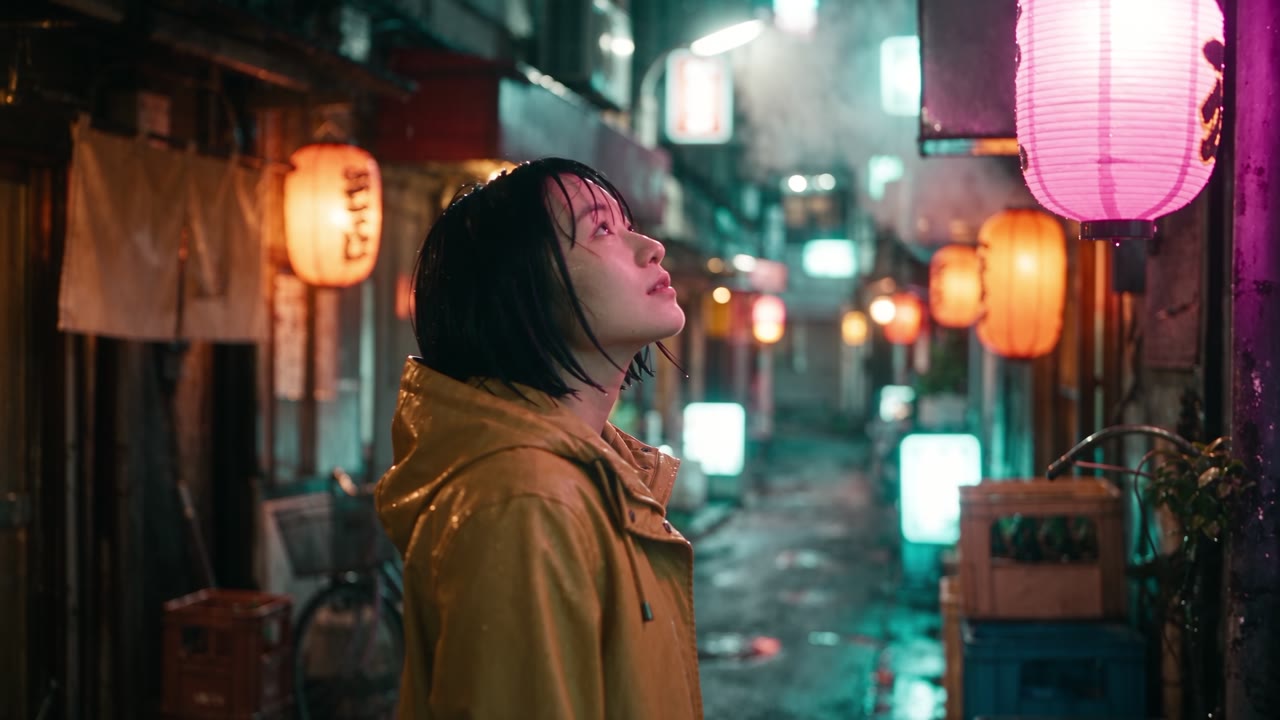
Seedance 3.0 is an AI video model that accepts text along with image, video and audio references and returns a single cinematic shot of up to 30 seconds. Sound is generated in the same pass, camera moves follow your prompt and output goes up to 1080p. You can also hand it an existing clip and describe edits such as a restyle, an object swap or an extension.
Next generation AI video model
Seedance 3.0 AI Video Generator
Write the scene, drop in up to 50 photos, clips or audio tracks, and Seedance 3.0 returns a single 1080p take with matching dialogue and ambience. Then refine it by prompt instead of starting over.
Sample Video
Features
Why Creators Switch to Seedance 3.0
Each capability below is live in the Seedance 3.0 generator at the top of this page. Scroll up and test it on your own idea.


Output
Multimodal reference
Up to 50 references, one consistent shot
Give the model a face, a place and a look as separate files. Seedance 3.0 reads each reference for the job you assign it, so the result matches your material rather than a loose interpretation.
- Mix images, video clips and audio in a single generation
- Tag each file in the prompt to say exactly what it controls
- Lock a face, a location and a color grade at the same time
00s / 30s
Collision
0–5s
Time freezes
5–12s
Walk-out
12–22s
Snap back
22–30s
Long single take
30 seconds, one unbroken camera take
Most generators stop at five seconds. Seedance 3.0 keeps one camera running for as long as 30, which leaves room for a setup, a turn and a payoff inside the same shot.
- Script beats by timestamp and the take plays them in order
- Characters and props stay consistent from first frame to last
- Fewer cuts to hide and less stitching in the edit


Original
Edited
Edit instruction
“Turn it into a snowy night. Keep the rider, the bike and the road.”
Precision editing
Change the shot, keep everything else
Upload a finished clip and describe only what should change. Seedance 3.0 rewrites that part and leaves framing, motion and everything else where it was.
- Restyle weather, time of day or art direction
- Swap a product, outfit or background element
- Extend a take forward without regenerating it
Native audio
Sound generated with the picture
Seedance 3.0 renders voices, room tone and effects alongside the frames, so lips, footsteps and impacts line up without a trip to an audio editor.
- Dialogue lands on the lips with no manual syncing
- Room tone, weather and crowds match what is on screen
- Footsteps, hits and music beats follow the action
How it works
Make Seedance 3.0 Video in Three Steps
With Seedance 3.0, most first drafts are ready in about a minute.
Upload your material
Drag in stills, short clips or a voice track. Up to 50 files can steer one Seedance 3.0 render, keeping characters, wardrobe and sound consistent.
Direct the scene
Spell out the action, who appears and what the camera does. Specific stage directions work better than stacked adjectives.
Render and download
Press generate and Seedance 3.0 places the finished take beside your settings. Save the file and publish it on any platform.
Use cases
Who Benefits from Seedance 3.0 AI?
Seedance 3.0 suits anyone who needs a complete scene with sound, rather than a stack of disconnected snippets.
Social Creators & Influencers
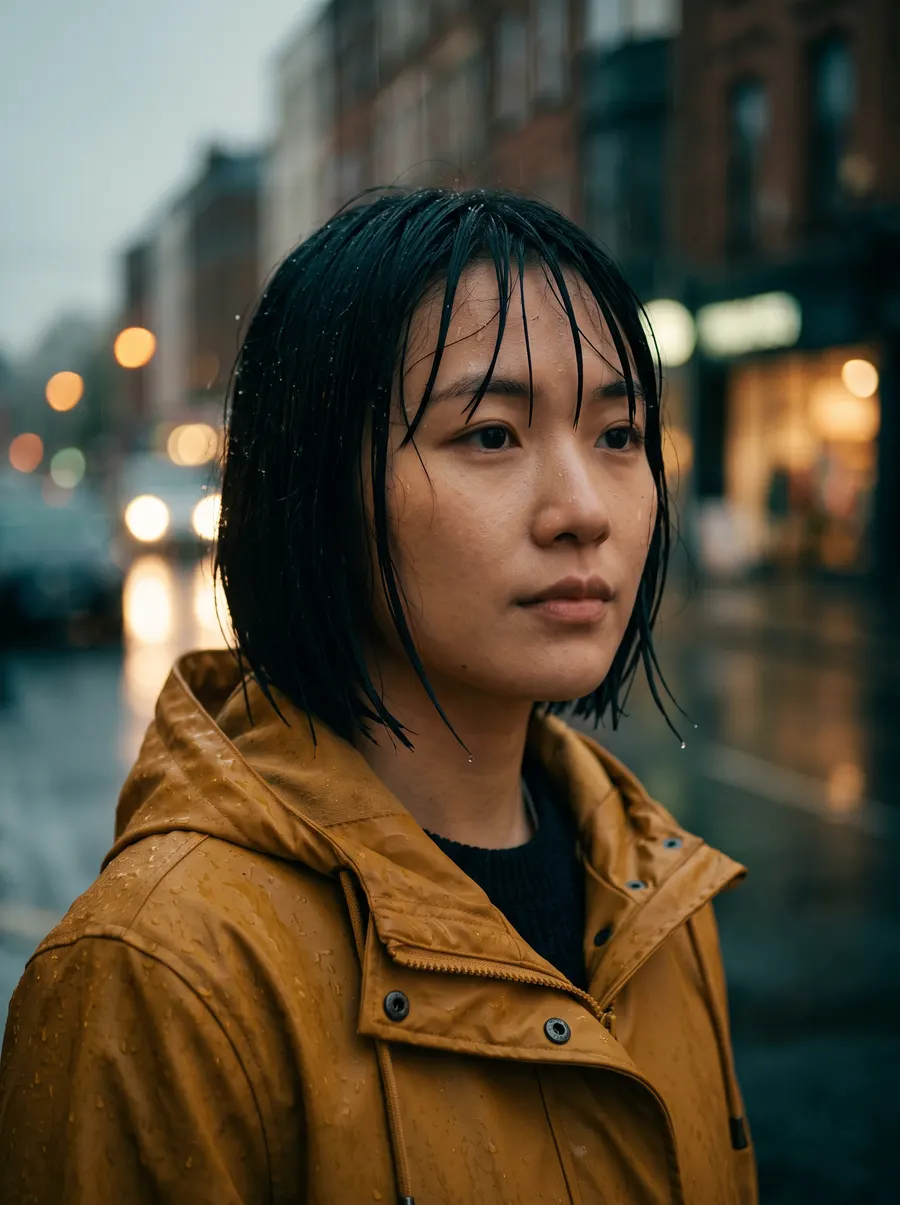
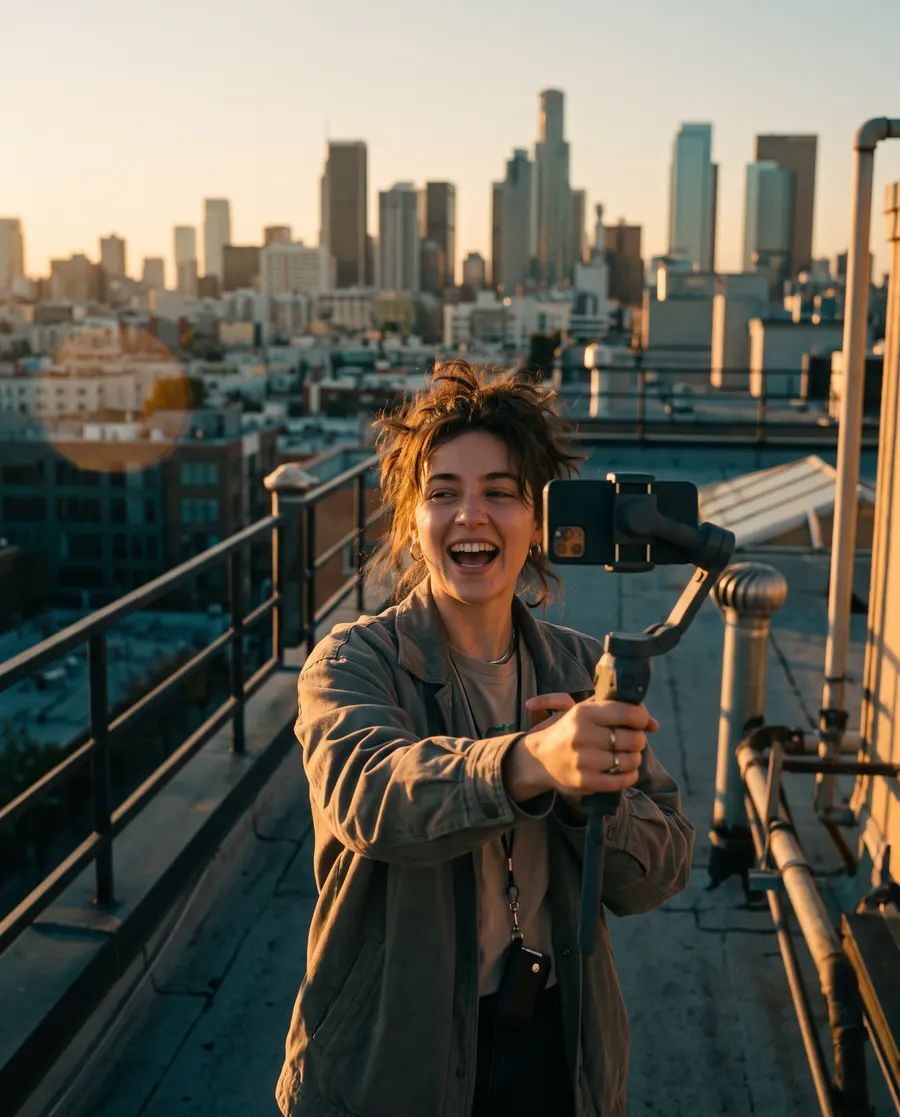
Post vertical videos with voices and background sound already in place. With Seedance 3.0, Reels, Shorts and TikTok drafts come together without a film crew or a separate audio edit.

Marketing & Advertising Teams
Turn a single product shot into multiple ad openers, replace a backdrop or model in a signed-off clip, and export both wide and vertical cuts from the same brief.

Filmmakers & Studios
Show investors and crew a sequence that actually moves. Pin your cast and set with Seedance 3.0 references, then try different blocking and lenses before anything is booked.
Content Creators & YouTubers
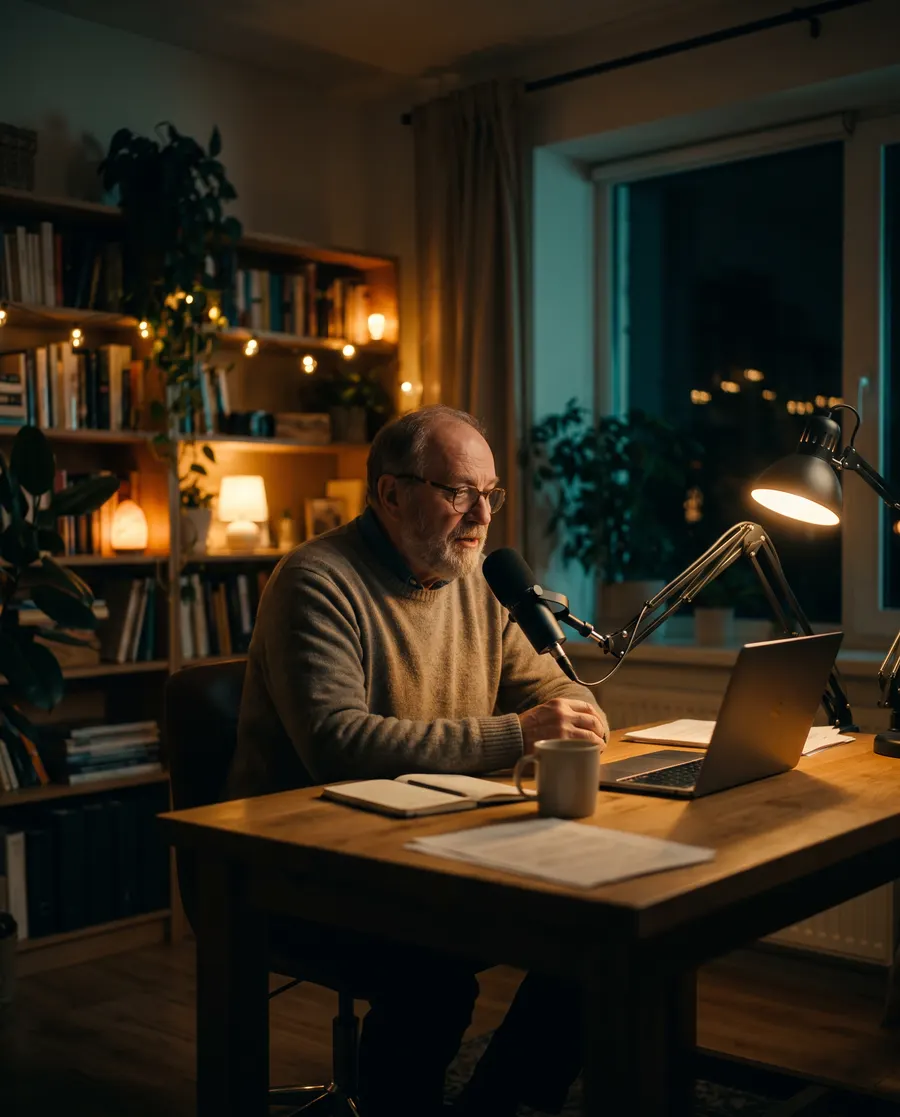
Start from a script and a few stills and get a half-minute scene with camera motion and sound baked in. Intros, cold opens and explainer segments, no shoot required.

E-commerce Brands
Give each listing a lit, moving product video that Seedance 3.0 builds from your existing packshot. The item stays identical from angle to angle and market to market.

Educators & Training Teams
When no stock clip shows the process you are teaching, generate one. Narration and visuals arrive together, so the lesson lands in one pass.
FAQ
Frequently Asked Questions
Quick answers about plans, limits and getting good results.
Yes. Every new account receives free credits, enough for a few test renders so you can judge the output first. When you need more, pick a credit pack or a monthly or yearly plan on the pricing page.
Each Seedance 3.0 render can be anywhere from 4 to 30 seconds and plays as one unbroken shot. For longer pieces, generate several shots and edit them together, or lengthen an existing clip with the editing mode.
A text prompt is enough to start, but Seedance 3.0 also accepts up to 30 images, 10 video clips and 10 audio files, 50 references in total. Images can set the opening frame or define a character and look, clips guide movement, and audio sets rhythm and timing.
Seedance 3.0 renders at 480p, 720p or 1080p, and you can choose 16:9, 9:16, 4:3, 3:4, 1:1, 21:9 or Auto for the frame. When you start from an image, the video keeps that image's proportions.
Yes. Seedance 3.0 clips made on a paid plan can go into ads, client work and other commercial projects. Our Terms of Service and AIGC policy list the full conditions and the content that is not allowed.
Yes. Upload your clip and write what should change; the model applies that change and keeps the rest of the shot as it was. Restyles, element replacements and take extensions are all supported.
Write like a director: name who is on screen, what they do, the camera move, the lens and the light. Stick to one main action per render, and attach a reference image whenever the exact look matters.
Start creating
Your Next Scene Starts Here
Create an account, collect free credits without entering a card, and render your first Seedance 3.0 shot in minutes.
- Free credits on sign-up
- No credit card required
- Commercial use on paid plans